
Disk Drill 5: Complete Recovery Suite Review
An exhaustive look at CleverFiles' flagship recovery tool, including performance benchmarks across HDD, SSD, and external media recovery scenarios.
Updated January 2026/* DataRestore — Professional Recovery Analysis */
Comprehensive reviews of leading data recovery tools, tested on real-world scenarios.
An exhaustive look at CleverFiles' flagship recovery tool, including performance benchmarks across HDD, SSD, and external media recovery scenarios.
Updated January 2026Piriform's veteran recovery tool tested against modern competition.
Deep dive into advanced RAID and network recovery capabilities.
Apple Silicon native performance and APFS recovery analysis.
Clear, practical instructions for common data loss scenarios.
Step-by-step guide to recovering accidentally deleted documents, photos, and media files.
Repair unreadable memory cards and recover photos from damaged camera storage.
How to recover data after accidentally formatting the wrong drive or partition.
Diagnose and recover data from USB flash drives that won't mount or show errors.
Understanding TRIM, wear leveling, and what's actually recoverable from solid-state drives.
Introduction to recovering data from failed RAID arrays without losing more data.
Side-by-side feature comparison of top-rated recovery applications.
| Software | Platform | Deep Scan | Preview | RAID | Price | Rating |
|---|---|---|---|---|---|---|
| Disk Drill | Win / Mac | Yes | Yes | No | $89 | 4.7 |
| R-Studio | All | Yes | Yes | Yes | $79 | 4.8 |
| Recuva Pro | Windows | Yes | Yes | No | $20 | 4.3 |
| EaseUS | Win / Mac | Yes | Yes | No | $70 | 4.5 |
| PhotoRec | All | Yes | No | No | Free | 4.2 |
November 5, 2026
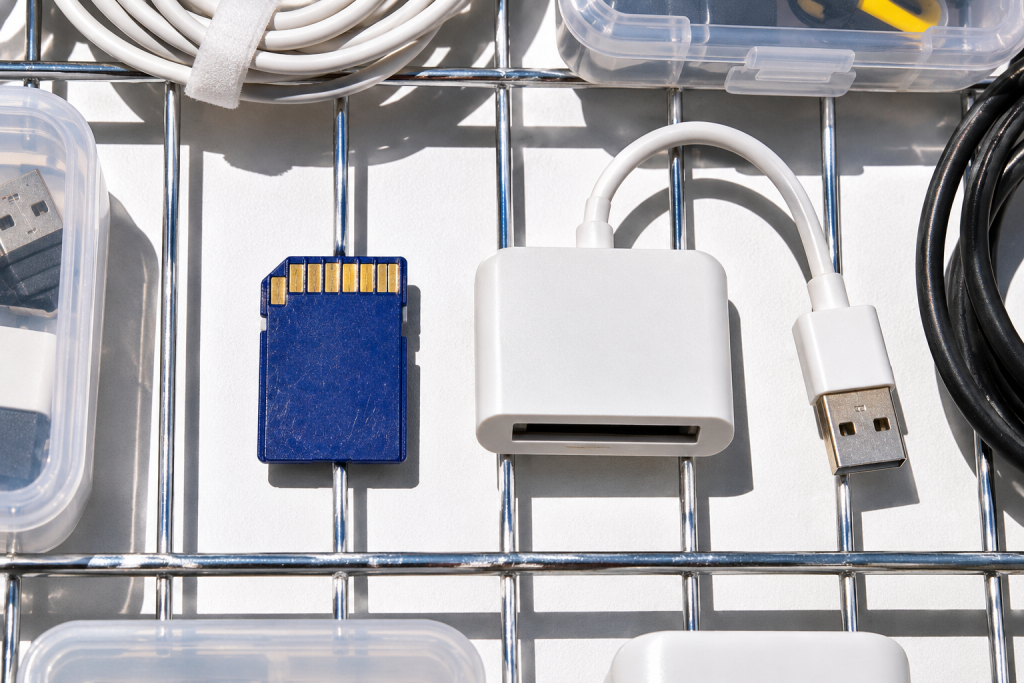
The laptop came in with a dead Windows install and a client’s photos on the drive. It wouldn’t boot past the logo, Safe Mode got nowhere, and the recovery USB I keep in my bag had gone missing. Normally I’d boot from a rescue drive, but the only machine available that morning had a single […]
October 31, 2026
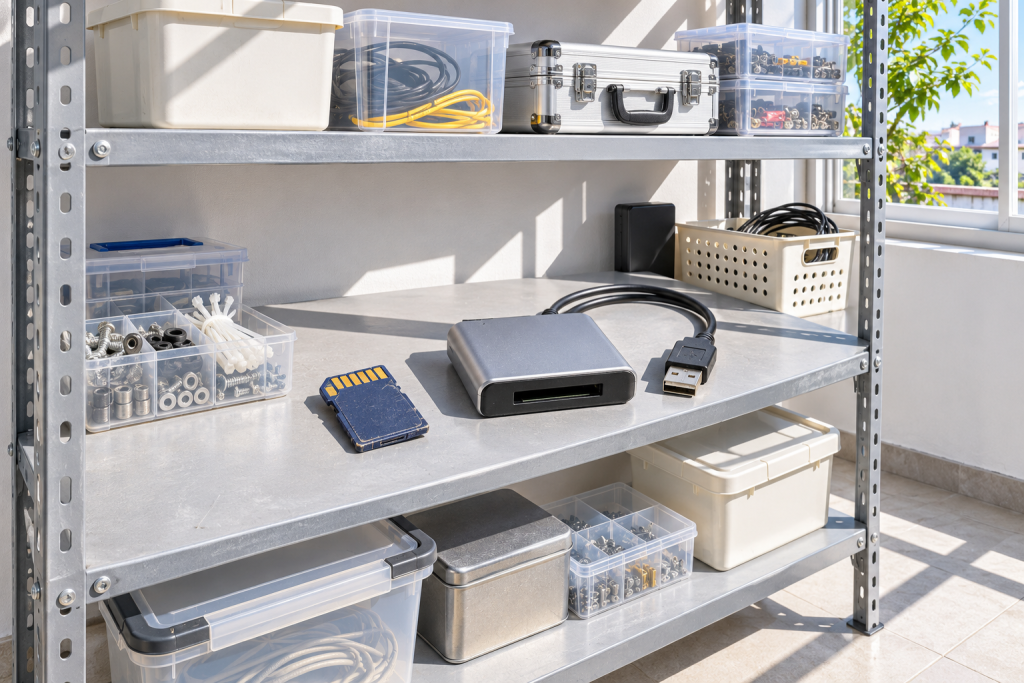
The drive started making a sound I’ve learned to hate: a soft, rhythmic click every two or three seconds, like a fingernail tapping a table. It was a 1TB laptop drive from 2019, still holding a client’s video project, and it had about forty minutes of useful life left. I didn’t open a recovery scanner […]
October 29, 2026
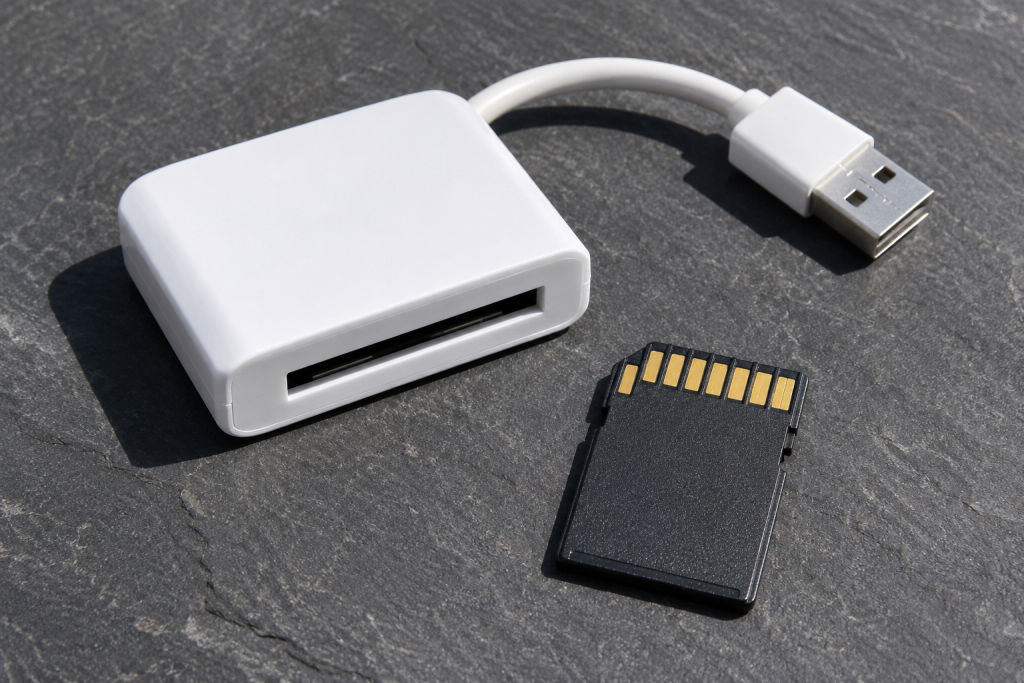
The recycle bin was empty. It had been for two days, because that morning I’d right-clicked it, hit “Empty Recycle Bin,” and felt that small flush of satisfaction you get from a clean desktop. Then the phone call: where’s the asset folder? The one with the layered files and the client-approved variants. I checked the […]